
1099-NEC Filing for Business Owners
If your business paid an independent contractor, freelancer, or subcontractor $600 or more this year, the IRS requires you to file Form 1099-NEC — and the deadline comes faster than most business owners expect.
Orange Coast Tax prepares and files 1099-NEC forms for business owners across Orange County, so you stay compliant without the last-minute scramble.
What Is Form 1099-NEC?
Form 1099-NEC
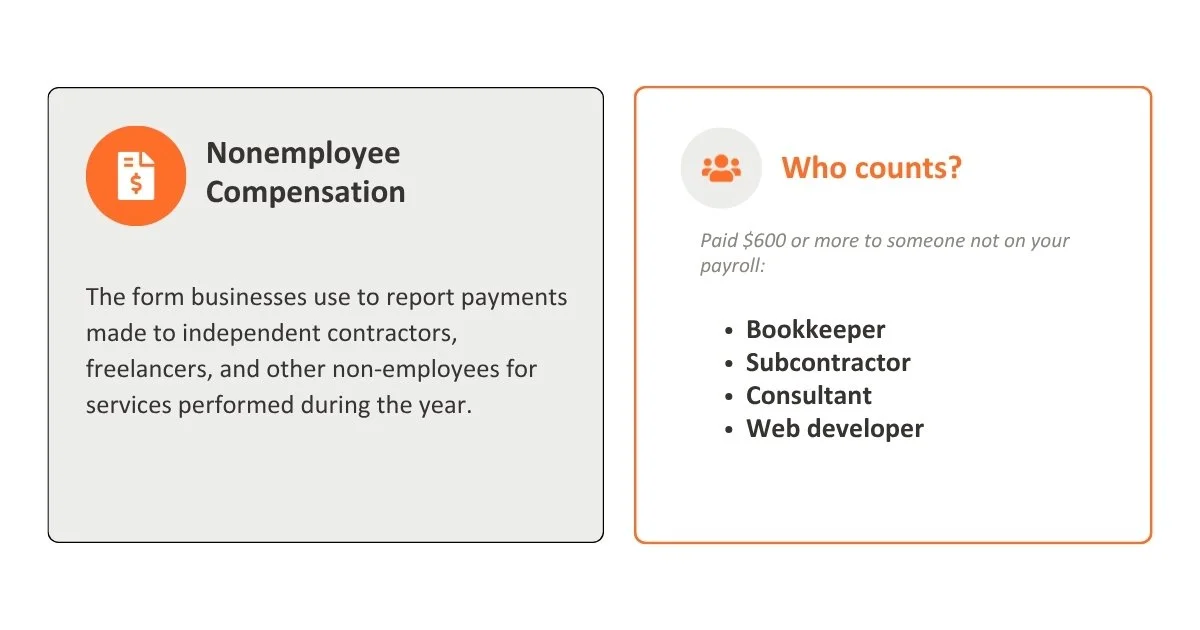
("Nonemployee Compensation") is the form businesses use to report payments made to independent contractors, freelancers, and other non-employees for services performed during the year.
If you hired someone who isn't on your payroll - a bookkeeper, a subcontractor, a consultant, a web developer, and paid them $600 or more, the IRS expects a 1099-NEC on file.
Who Needs to File a 1099-NEC
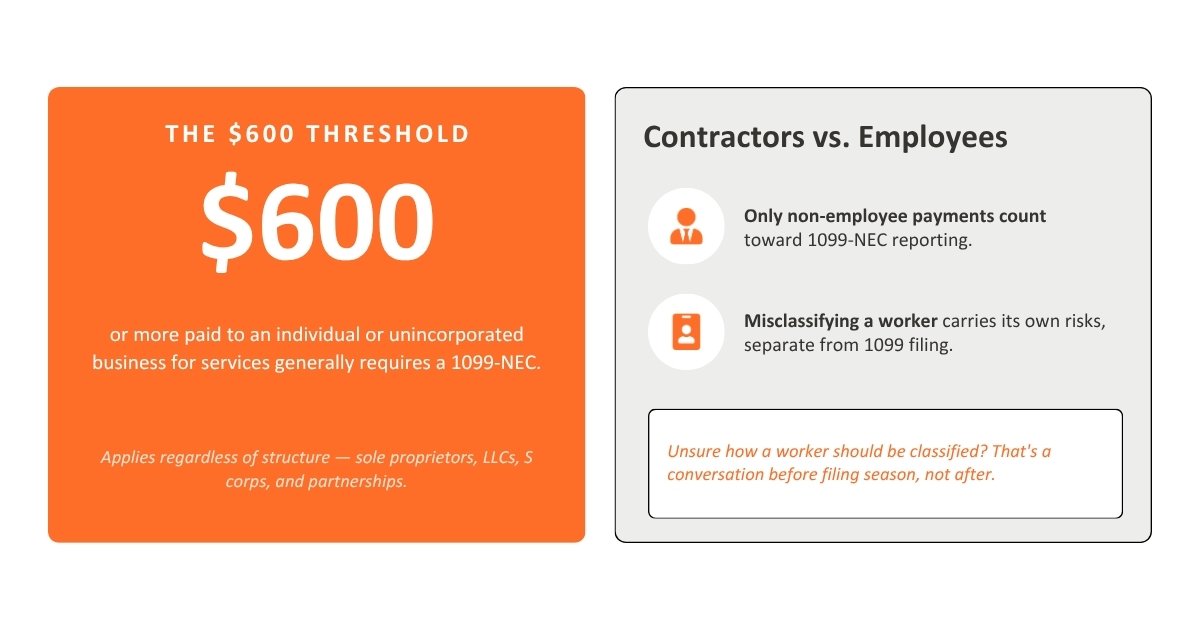
The $600 Threshold Any business that paid an individual or unincorporated business $600 or more in a calendar year for services generally must issue a 1099-NEC.
This applies regardless of business structure, sole proprietors, LLCs, S corps, and partnerships can all have a filing obligation.
Independent Contractors vs. Employees Only payments to non-employees count toward 1099-NEC reporting.
Misclassifying a worker — treating someone as a contractor when the IRS would consider them an employee — carries its own risks separate from 1099 filing. If you're unsure how a worker should be classified, that's worth a conversation before filing season, not after.
1099-NEC Deadline: January 31
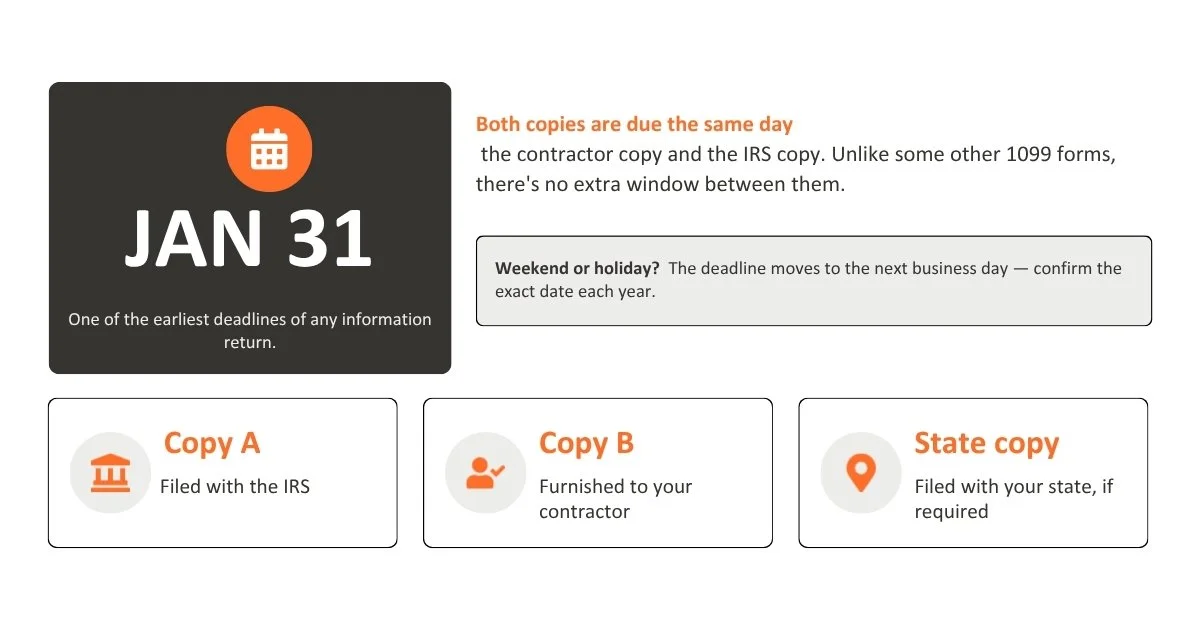
Form 1099-NEC has one of the earliest deadlines of any information return: January 31, covering both the copy sent to your contractor and the copy filed with the IRS.
Unlike some other 1099 forms, there's no extra window between the recipient copy and the IRS copy - both are due the same day.
When the Deadline Falls on a Weekend or Holiday If January 31 falls on a Saturday, Sunday, or legal holiday, the deadline moves to the next business day.
It's worth confirming the exact date each filing season rather than assuming January 31 every year.
Copy A, Copy B, and State Copies
Copy A – filed with the IRS
Copy B – furnished to your contractor
State copy – filed with your state, if your state requires it (1099-NEC generally isn't part of the IRS's combined federal/state filing program, so a separate state filing may be needed)
Penalties for Missing the Deadline
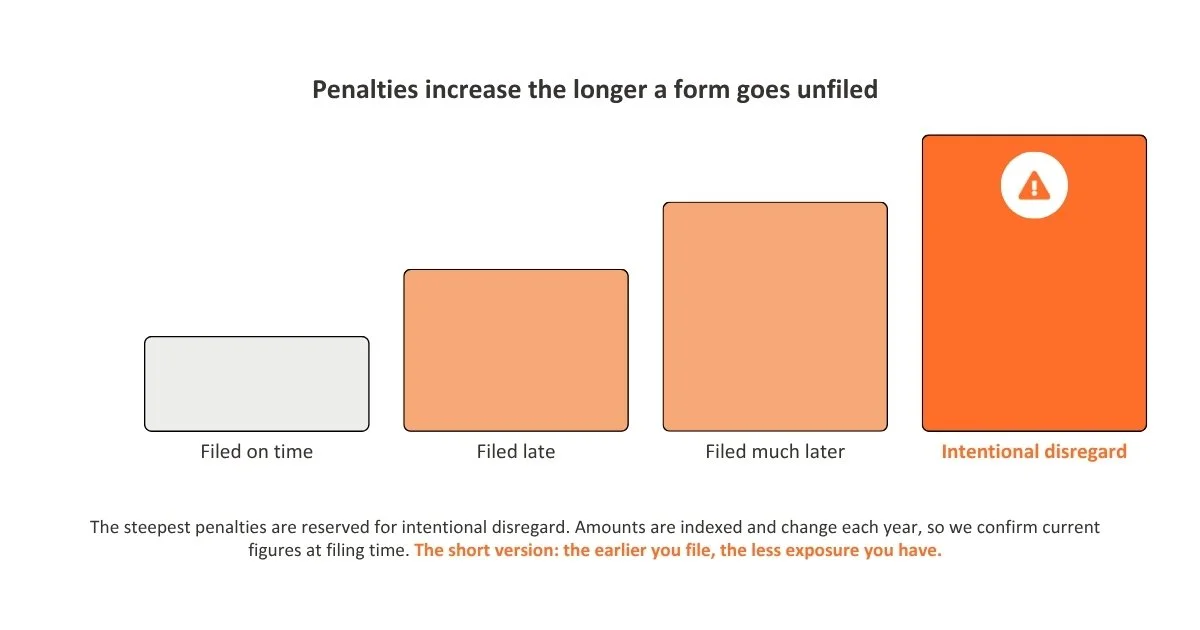
Late or missed 1099-NEC filings carry IRS penalties that increase the longer a form goes unfiled, with the steepest penalties reserved for intentional disregard of the filing requirement.
Penalty amounts are indexed and change from year to year, so we confirm current figures at filing time rather than quoting a fixed dollar amount here, but the short version is: the earlier you file, the less exposure you have.
What You'll Need Before Filing
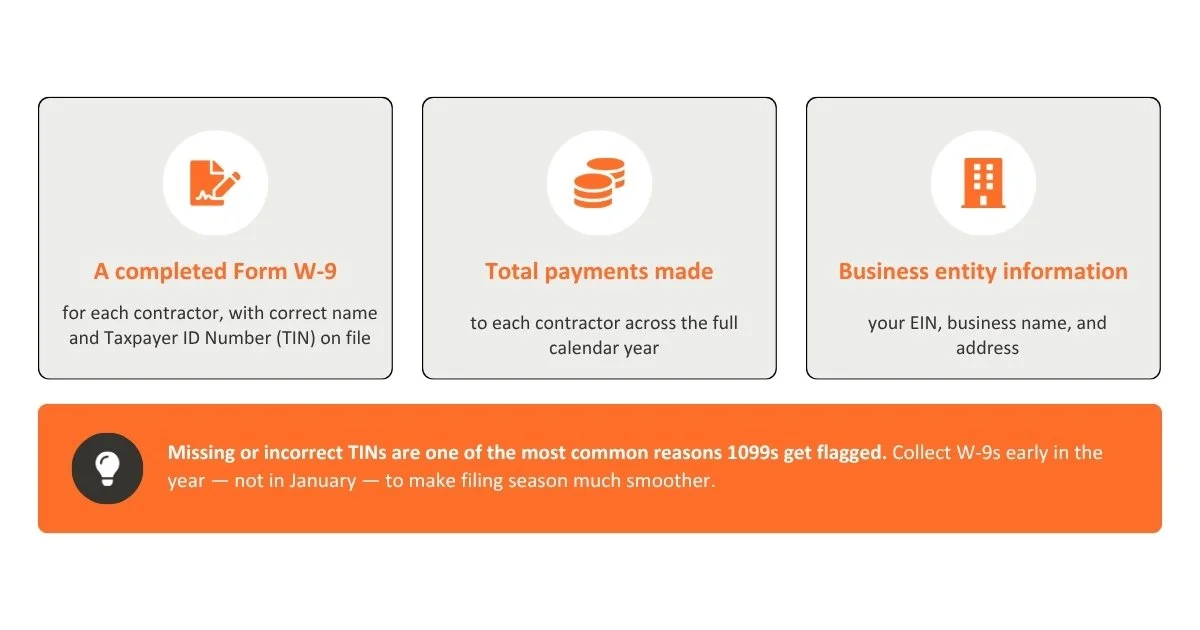
A completed Form W-9 for each contractor, with their correct name and Taxpayer ID Number (TIN) on file
Total payments made to each contractor for the year
Business entity information (EIN, business name, address)
Missing or incorrect TINs are one of the most common reasons 1099s get rejected or flagged, collecting W-9s early in the year (not in January) makes filing season much smoother.
How Orange Coast Tax Handles Your 1099-NEC Filing
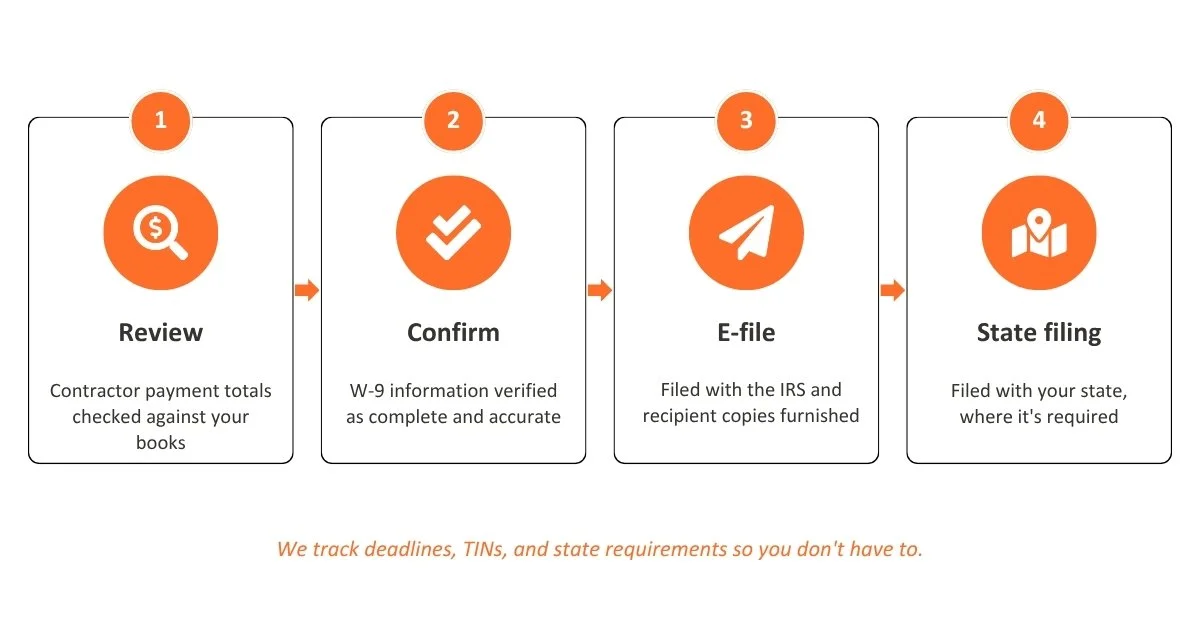
We prepare and e-file 1099-NEC forms for business owners so you're not tracking deadlines, TINs, and state requirements on your own. Our process includes:
Reviewing contractor payment totals against your books
Confirming W-9 information is complete and accurate
E-filing with the IRS and furnishing recipient copies
Filing with your state, where required
-
No. The $600 threshold applies per contractor, per year. If total payments to a single contractor stayed under $600, no 1099-NEC is required for that contractor.
-
Payments made by credit card or through third-party payment networks are generally reported by the payment processor instead, not by you — this is a common area of confusion worth confirming for your specific situation.
-
You can file them yourself, but the deadline, TIN-matching requirements, and state rules leave little room for error. Many business owners find it faster and safer to have their filings handled by a tax professional.
-
You'll need to file a corrected form. The sooner an error is caught and corrected, the less likely it is to trigger IRS penalty notices.